
Description
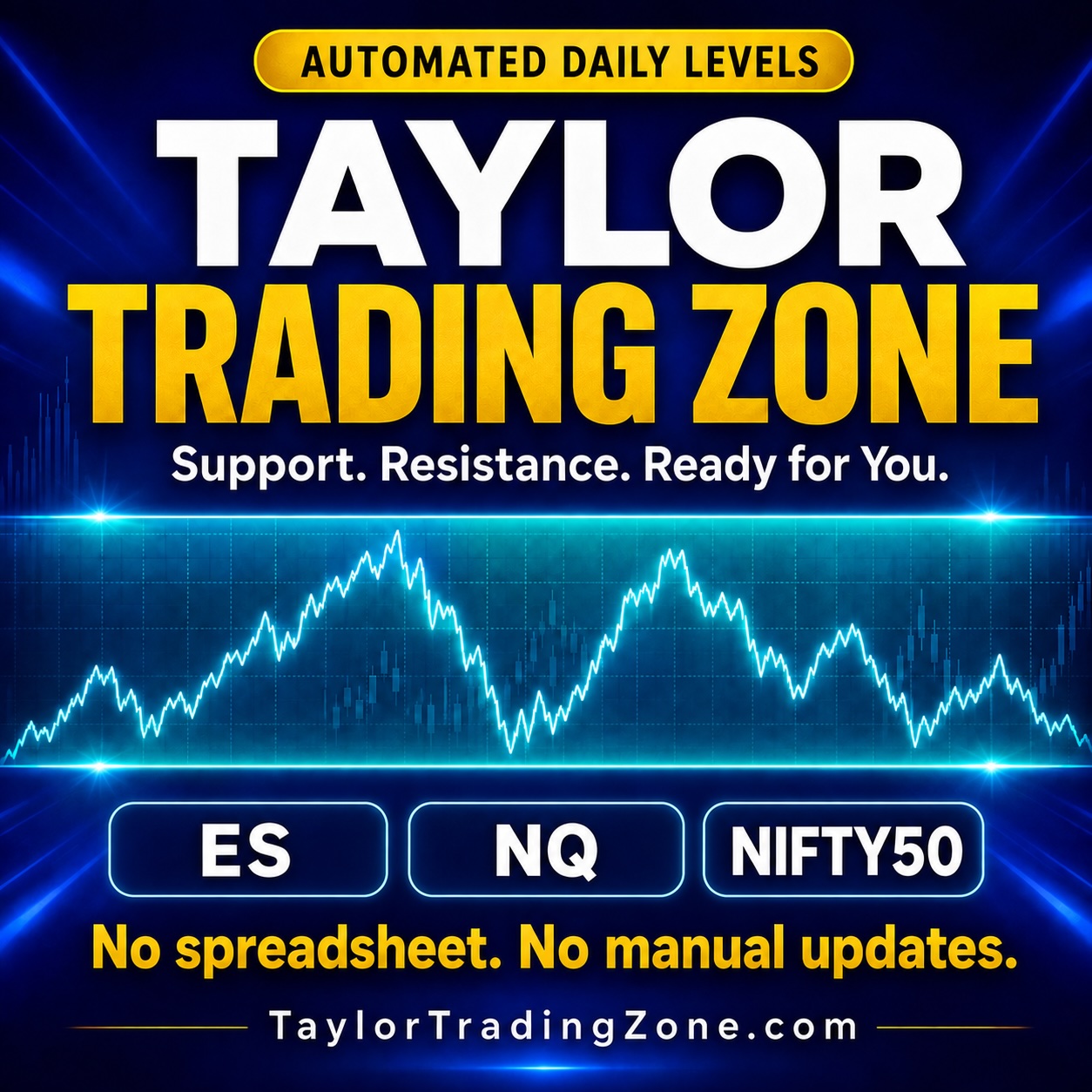
 Daily Taylor Trading Zone for ES, Nasdaq, and Nifty50
Spend less time updating a spreadsheet and more time preparing for the market. The new Taylor Trading Zone brings the convenience of automation to the original Excel-based Taylor Calculator. Instead of entering dates and market prices yourself, simply log in, select your market, and view your calculated Trading Zone. No spreadsheet to maintain. No daily OHLC entry. Your market data and Taylor levels are provided automatically.
See the Levels That Inform Your Preparation
You get all three markets: ES, Nasdaq, & Nifty50.
- Taylor Resistance: The projected upper boundary of the Trading Zone.
- Taylor Support: The projected lower boundary of the Trading Zone.
- Projected Range: The calculated range for the zone.
- Market data: The open, high, low, and close used in the calculation.
- Source session date: Clear identification of the market session behind the displayed results.
Use these levels to mark the Trading Zone on your own chart and bring a consistent reference point to your preparation for the next trading session.
Automatic Updates for ES, Nasdaq, and Nifty50
The Taylor Trading Zone app currently provides the trading zone for three markets: ES, Nasdaq NQ, and Nifty50. The app uses the regular trading session of 9:30 a.m. to 4:00 p.m. Eastern Time for ES and NQ. For Nifty50, the regular trading session runs from 9:15 a.m. to 3:30 p.m. India Standard Time. These sessions normally run Monday through Friday, subject to exchange holidays and schedule changes. After each market’s regular session closes, its OHLC prices and Taylor Support and Resistance calculations update automatically. Each market follows its own session and timezone, so you can review the latest completed session’s data without collecting or entering prices yourself.
Review Previous Sessions
Calculation History makes it easy to revisit earlier Trading Zones. Select a market, find a previous session, and inspect the underlying prices alongside its calculated support, resistance, and range. Keep your daily preparation and historical review together in one browser-based tool.
A Simpler Routine Than the Original Spreadsheet
If you’re familiar with the original Taylor Calculator, the difference is straightforward:
- No Excel spreadsheet is required.
- No daily date or price entry is needed.
- Market data and Trading Zone calculations update automatically.
- ES, NQ, and Nifty50 in one app.
- Previous calculations are accessible through the history screen.
Simply log in at TaylorTradingZone.com, choose your market, and review your zone.
Semi-Annual Subscription: $175
Your semi-annual subscription provides access to the web-based Taylor Trading Zone, including all three markets, automatic daily updates, and calculation history. Already own the original Taylor Calculator? Existing customers will receive a 100% subscription discount coupon. Look for your coupon before purchasing. Make the automated Taylor Trading Zone part of your daily market preparation. Subscription renews automatically. Buyers can log in immediately after checkout. Taylor Trading Zone provides analytical reference levels, not guaranteed price boundaries or trading outcomes. Trading involves risk.

Reviews
There are no reviews yet.